Live board
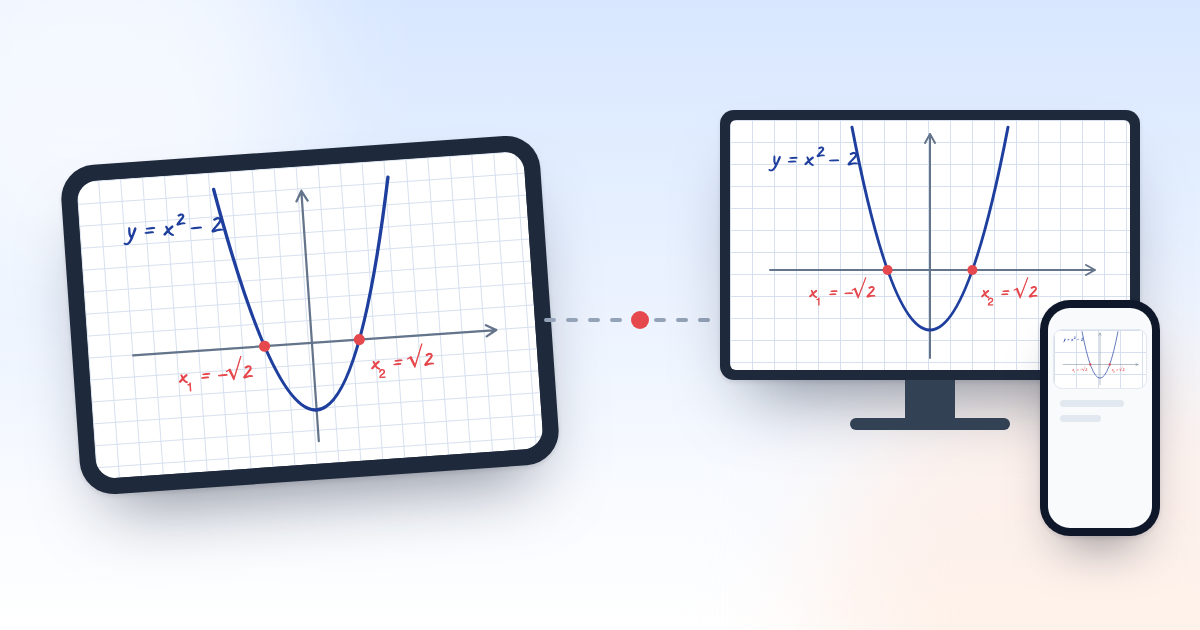
You write with a pen on your tablet, and students see it on the classroom screen and at home on their own phones. Grid, lined and coordinate sheets are available.
Students see what you write on your tablet at the same moment, on the classroom screen and on their own phones. They do their homework in a digital notebook, and you review it right there.
You explain on the board, the student solves in the notebook, and you review. All in one panel.
You write with a pen on your tablet, and students see it on the classroom screen and at home on their own phones. Grid, lined and coordinate sheets are available.
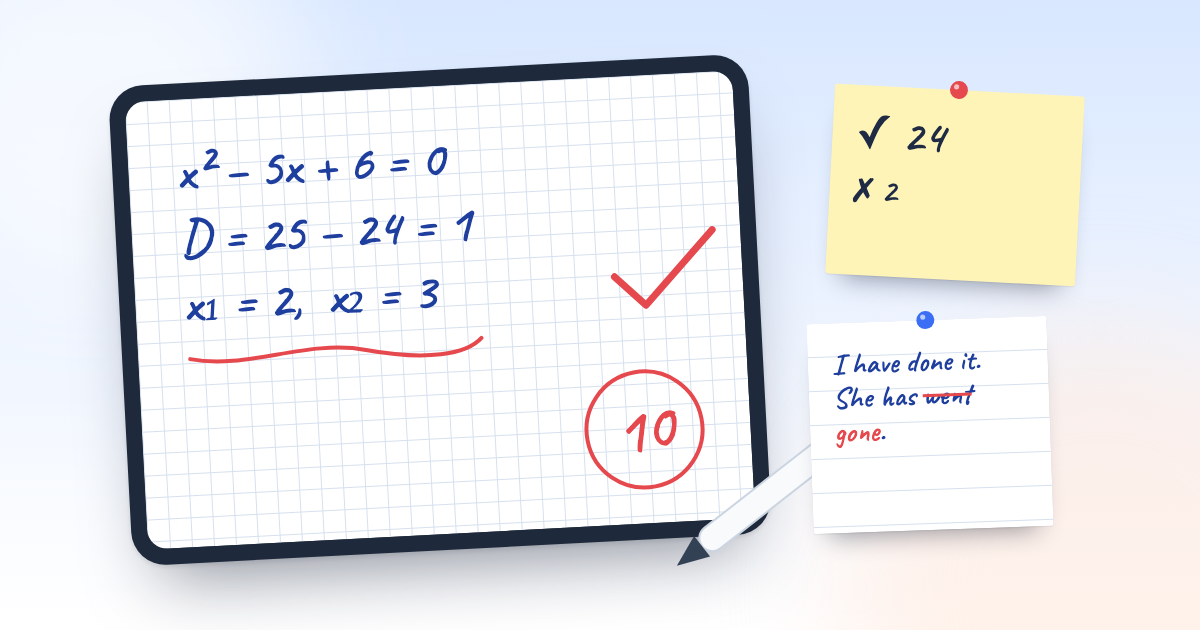
When the lesson ends, everything on the board goes into the student's notebook. They do their homework there too and send it in.
You correct mistakes right on the student's own work and add a score and a comment. If needed, you return the work for revision.
Mon, Wed, Fri, or Tue, Thu, Sat, or any days you choose. When you move a lesson to another day or cancel it, students see it in the schedule.
The classroom screen and the phone of a student joining from home show what you write the moment you write it. Try it here: write on the tablet.
Grid, lined and coordinate sheets, a ruler and a protractor. You can open a PDF or an image and write on it.
The classroom screen and students' phones show the same board. A student who can't come joins from home.
When the lesson ends, the pages move to the student's notebook. The homework is right there too.
The board and the notebook have 11 page types: grid, lined, coordinates, handwriting, music staff and more. Pick the one that fits the lesson.
You sign in with your Google account and confirm the panel name and address (for example, aysel.defterche.com). The panel opens right away.
You create an account for each student. You can copy the login details and send them on WhatsApp.
You set up groups and a schedule, then teach from your tablet.
Any subject. There are grid and coordinate sheets for math and physics, and lined sheets for languages. Whatever you write on the board, the student sees.
You create their accounts. A student logs in to your panel (for example, aysel.defterche.com) with an email and password, with no separate sign-up.
A tablet with a pen is the most convenient option for the teacher. Students join from a phone, tablet or computer, and in class everyone can watch the shared screen. Nothing to install, a browser is enough.
Yes. Every panel opened before 1 January 2027 is on the Pro plan until that date: the lesson MP4 video, lesson replay, AI and every other section are free, with no trial and no payment. After that the panel moves to the free plan, and no data is deleted.
Everything. Every section is open on every plan: live board, audio and camera, notebook, assignments, payments and receipts, quizzes and DIM tests, AI checks, AI questions and lessons, games, library. Quizzes and parent reports are unlimited on every plan. Plans differ only in limits: the free plan has 10 students and 10 AI credits a month, and lesson recordings are kept for 7 days. When a limit is not enough, you move to Standard or Pro.
Nothing is deleted. If you are over the student limit, you have 7 days to choose who stays; after that the most recently added students are archived. When you upgrade, archived students come back automatically. Lesson recordings are kept for the plan's period: 7 days on the free plan.
All AI work uses one balance: a homework check, a student hint or a picture on the board costs 1 credit; in AI question generation each question costs 1 credit (at least 5 per request). Credits renew every month; if you run out, buy an AI pack on the Subscription page. Pack credits don't expire.
No. What's written in the lesson goes into the student's digital notebook, and they do their homework there and send it in.
Sign in with Google or email and your panel opens right away. Then you create your first group and add students.
2 min read
The classroom TV and the teacher’s tablet can do the job of an interactive whiteboard. What you need, how to connect it and how to use it in a lesson.
4 min read
Lesson notes, homework and the teacher’s corrections in one place. How a digital notebook works and what it keeps that a paper notebook loses.