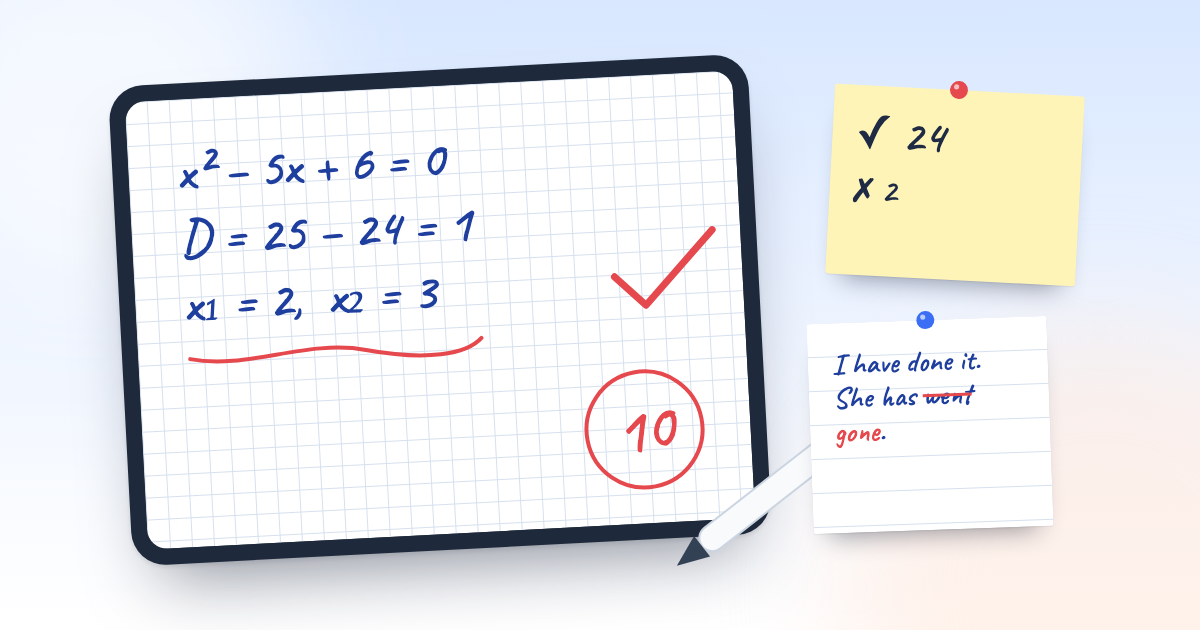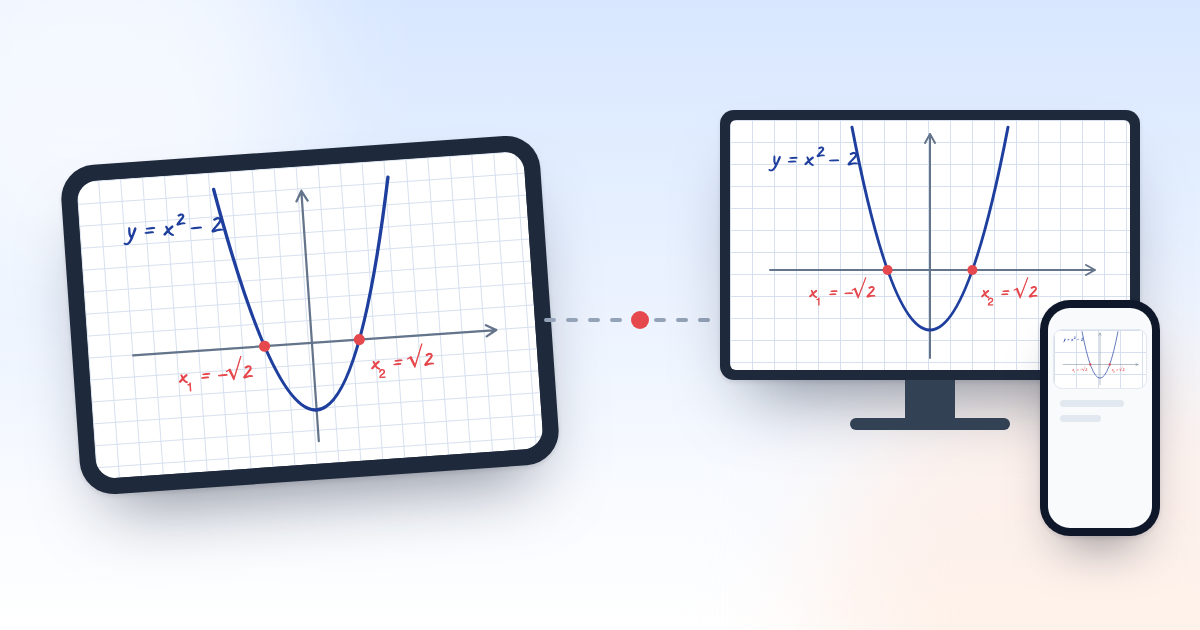
An interactive whiteboard is expensive for many schools, course centres and tutors, and installing and repairing it costs extra. Yet most classrooms already have a large TV, and the teacher has a tablet. Put the two together and most of what an interactive whiteboard does is covered without buying new equipment.
What you need
- A TV or a projector in the classroom.
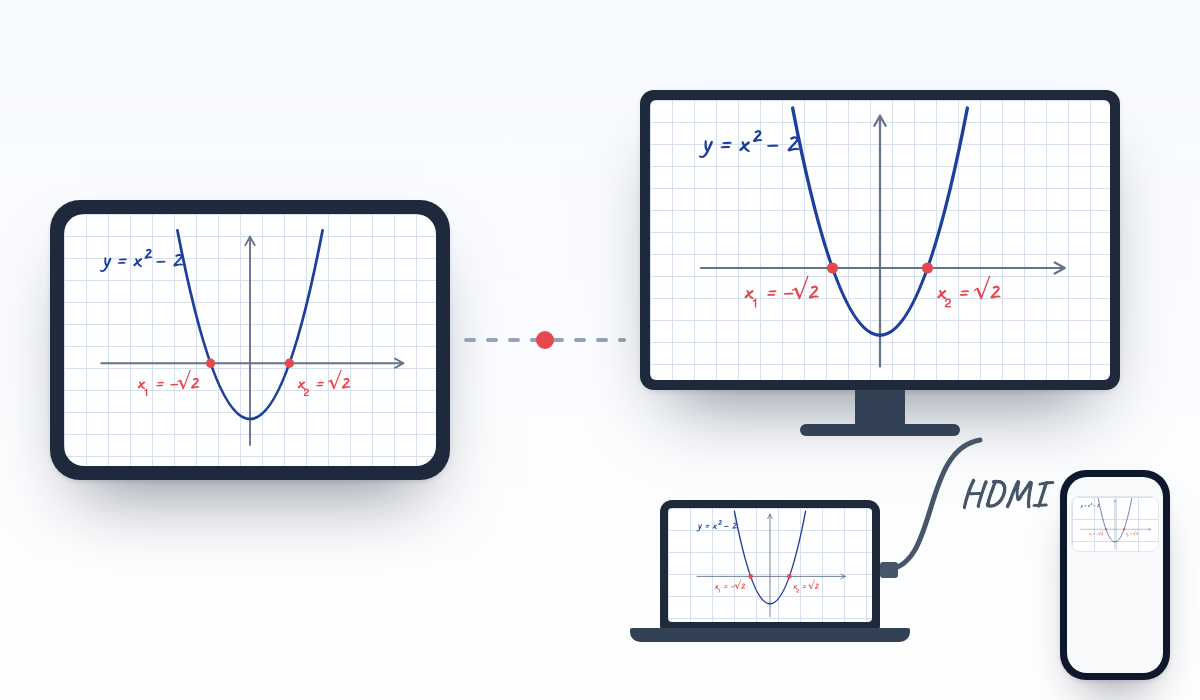
- A laptop, computer or mini PC connected to the TV with an HDMI cable.
- A tablet for the teacher. On a tablet with a pen (iPad, Samsung S Pen and other stylus models) writing feels like paper.
- An internet connection. The board runs in the browser, there is nothing to install.
How to connect it
- Connect the laptop to the TV with an HDMI cable and show the picture on the TV.
- Sign in to the panel on the laptop and open the lesson board.
- Open the same board on the tablet and start the lesson.
- Every line you write on the tablet appears on the TV straight away. Students joining from home follow the same board on their phones.
How it differs from an interactive whiteboard
- Price: the TV and the tablet are often already there, so no extra equipment is needed.
- The teacher does not turn their back to the class and can write sitting down or walking around the room.
- The board goes beyond the classroom: a student who could not come follows it live from home as an online lesson.